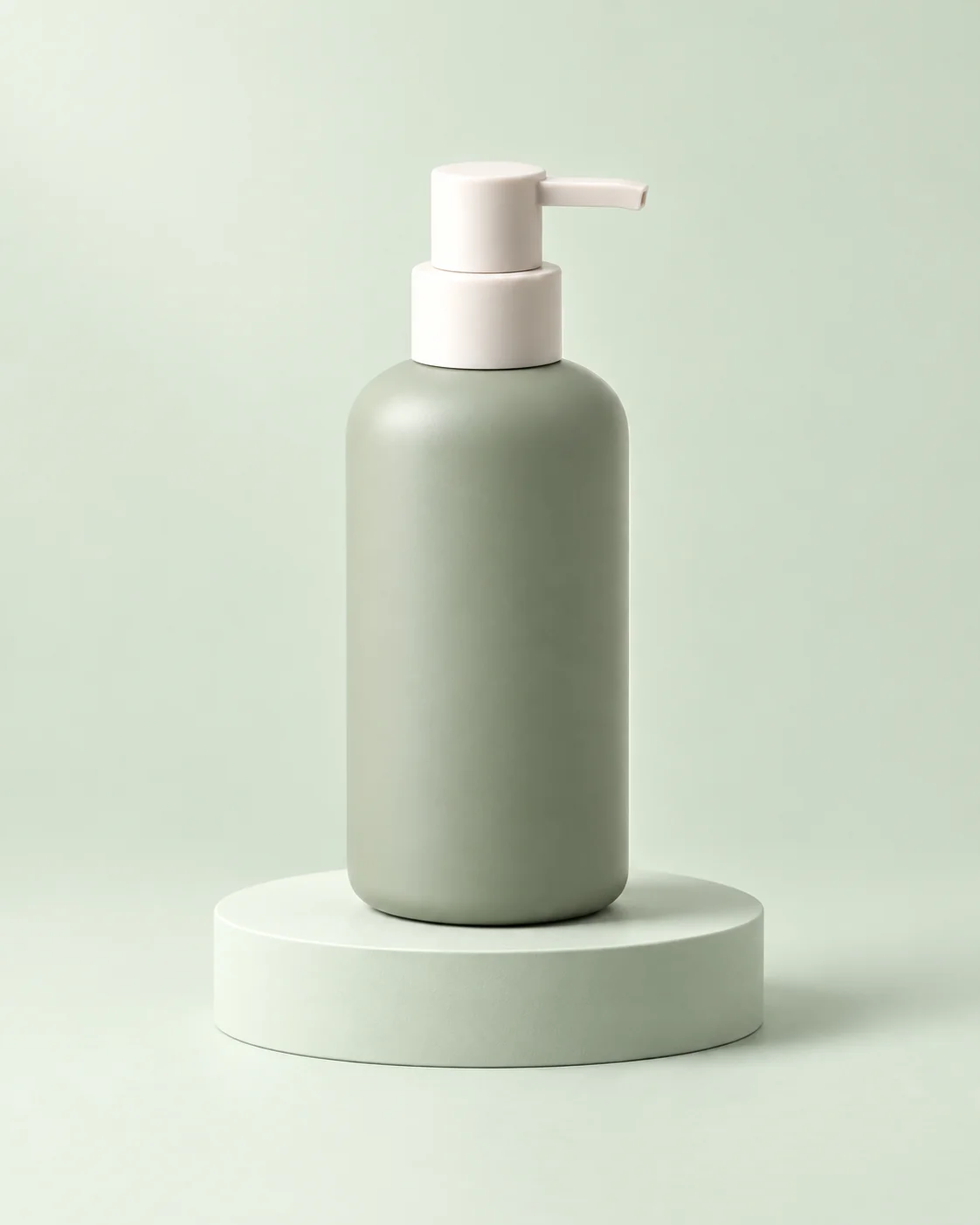
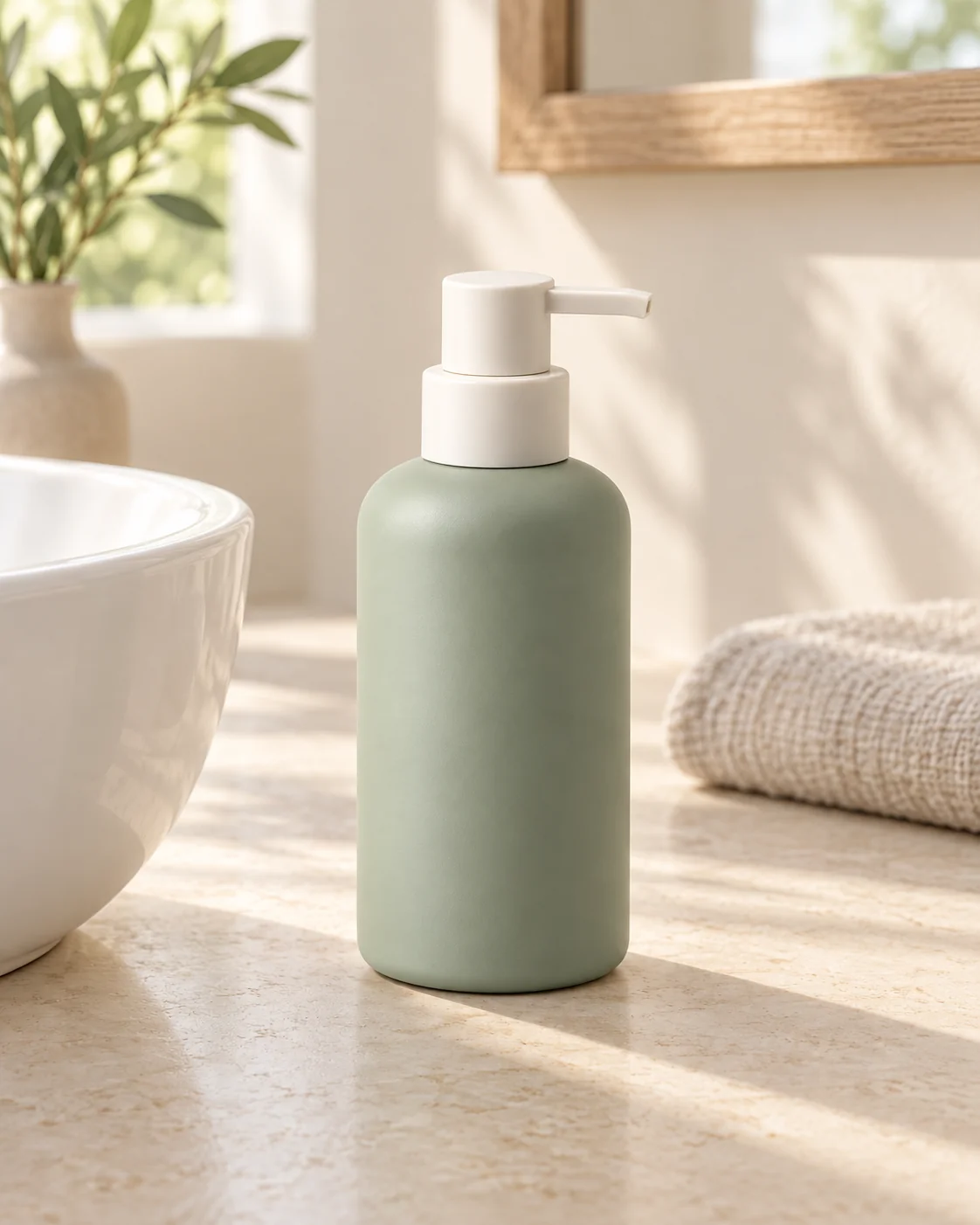
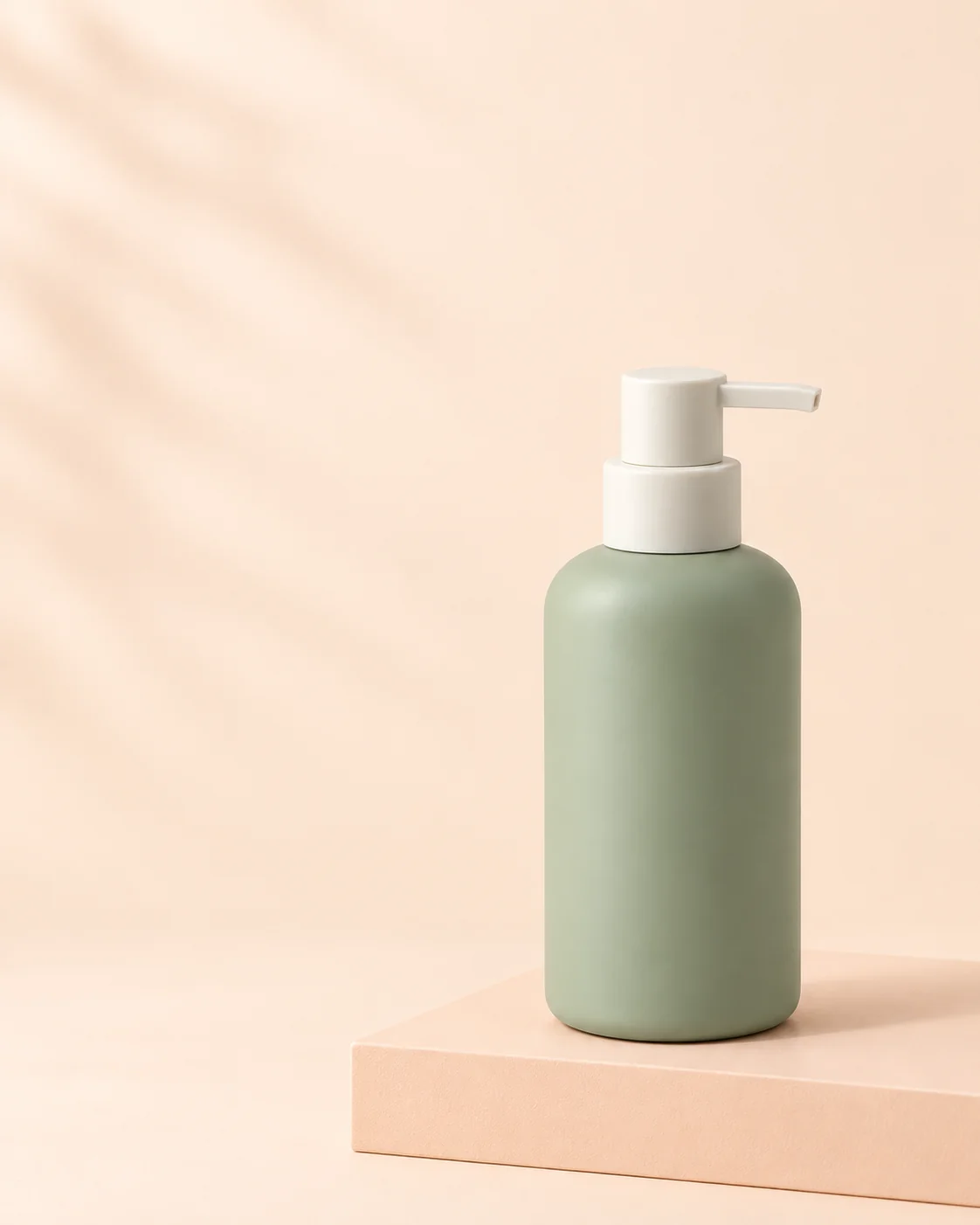
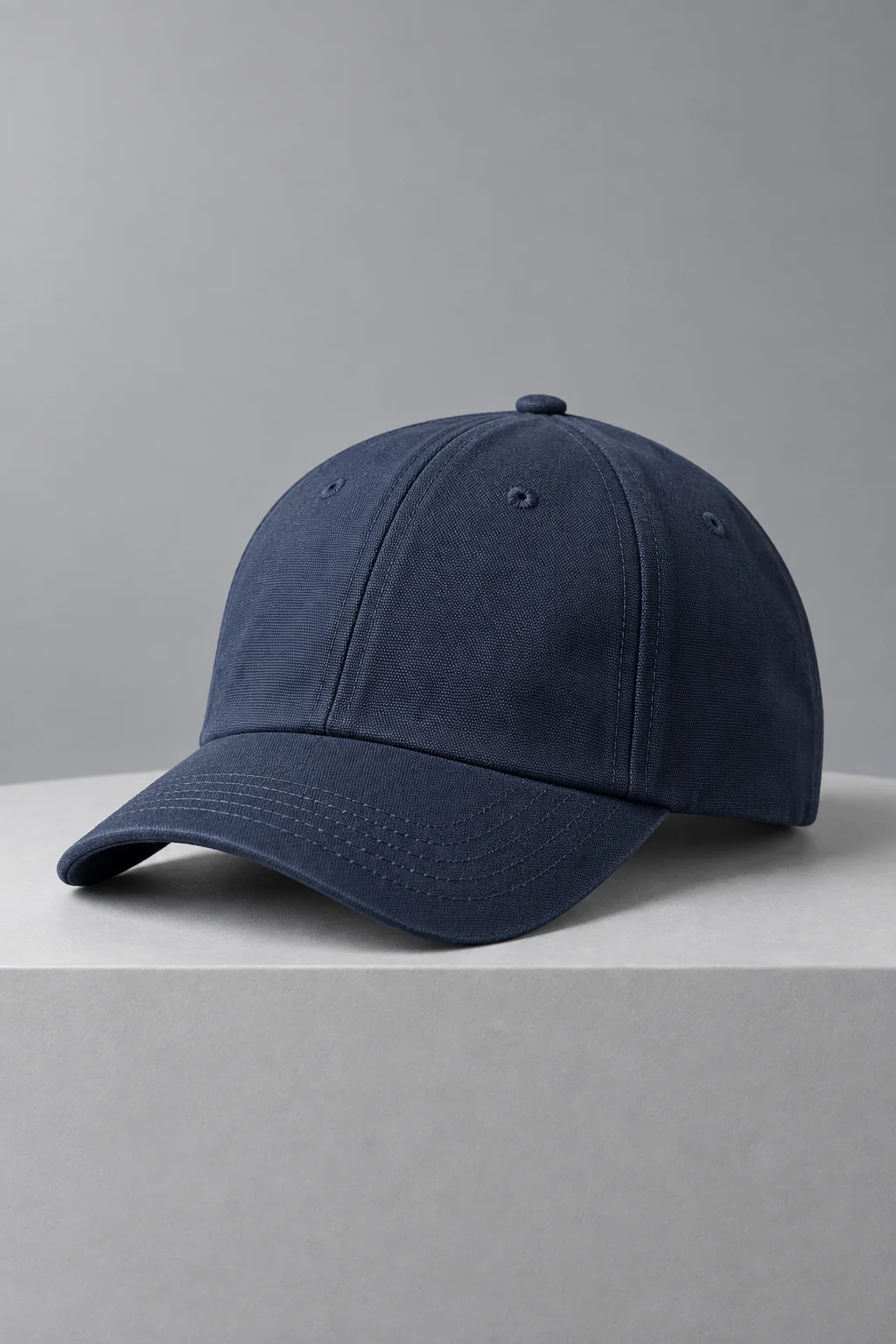
Explore a new look
Reuse your photos and change one part of the prompt or reference: the background, lighting or composition.
Compare how clearly the product stands out and where the headline fits before choosing your next direction.
Turn product photos or a written idea into an image ad for your next campaign.
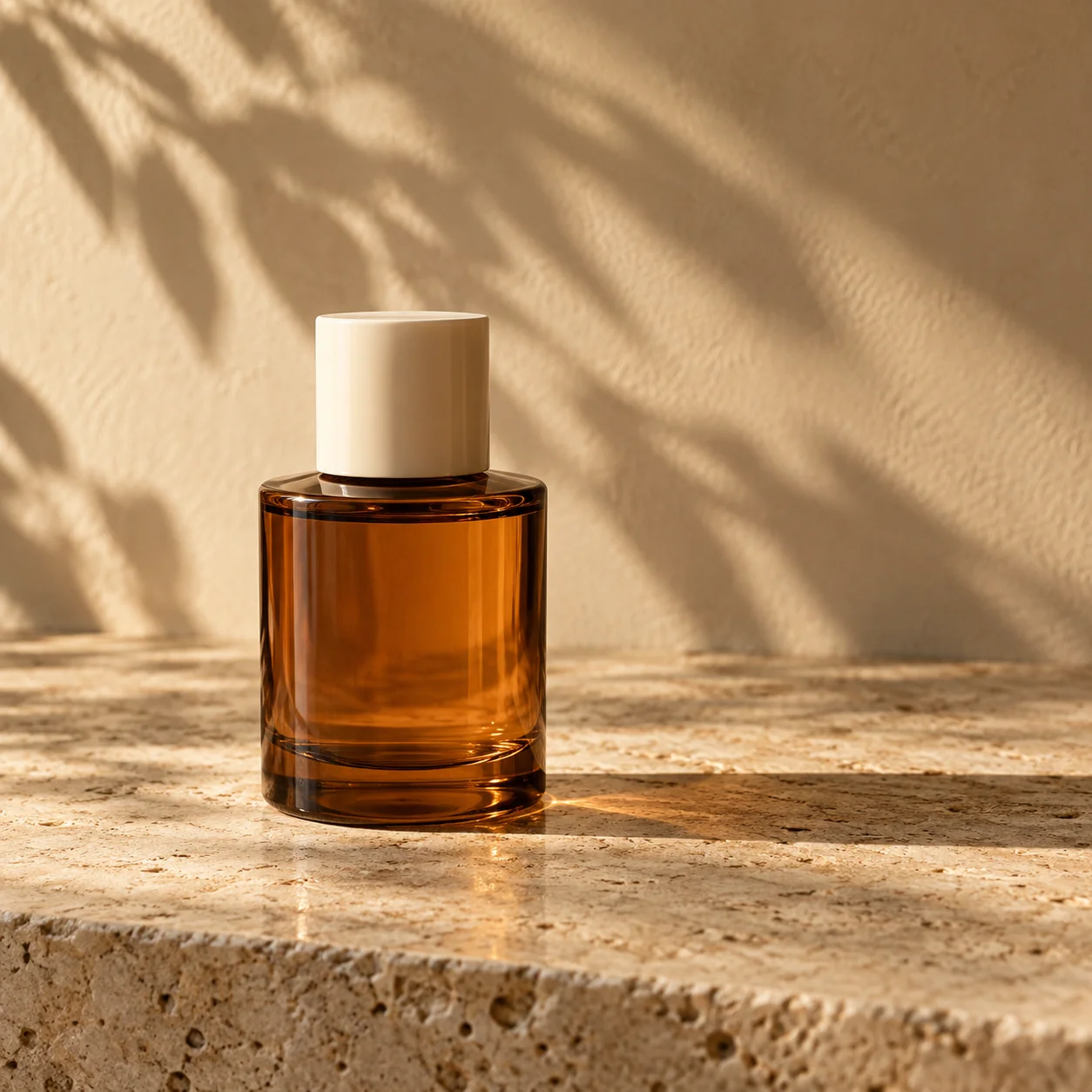
Use a reference to guide the visual style of your own product ad.

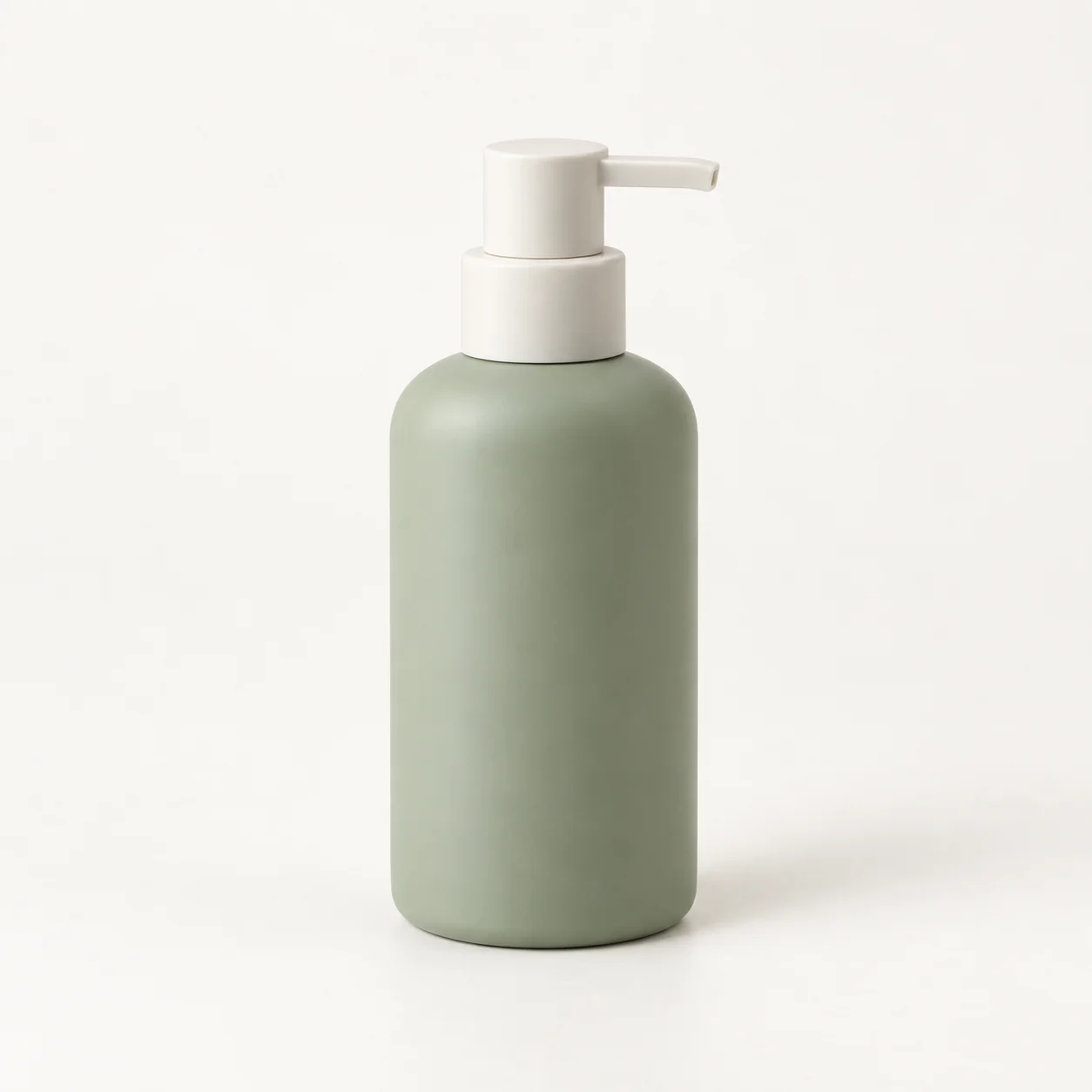
Add product photos from different angles to show what makes it yours.

Choose the visual details you want to bring into your own campaign.

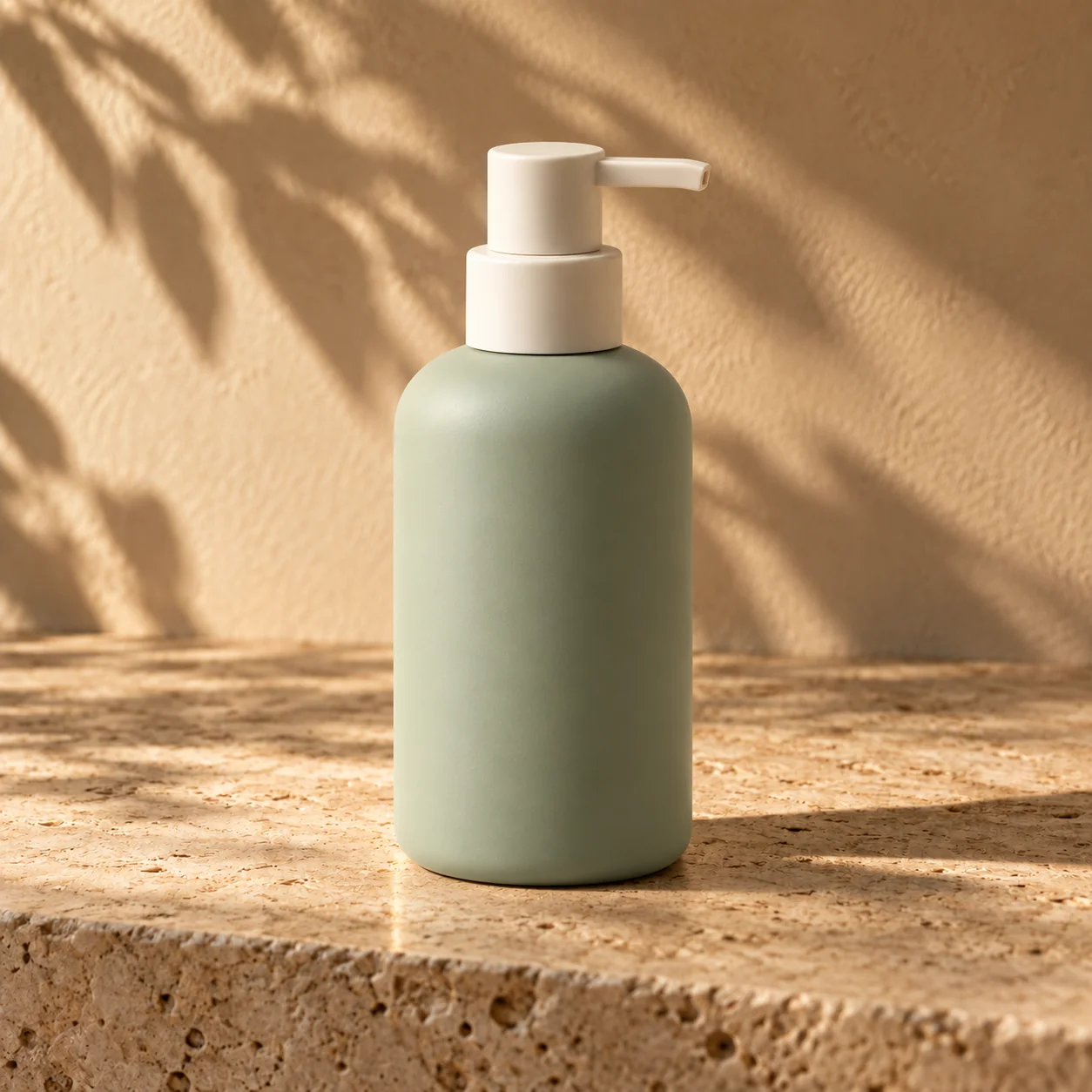
Bring your product into a setting inspired by the reference.
Recreating a style does not guarantee an exact copy or the same sales results.
Create static ads for product launches, everyday promotion and seasonal campaigns.

Introduce a launch with the product at the center. Highlight its shape, finish or a distinctive detail.

Show the product in context, from a skincare bottle on a bathroom shelf to a seasonal display.

Create a visual for an offer or collection. Leave space for editable headlines and a call to action.
Explore different scenes and messages, then compare versions to find the right direction for your campaign.
Reuse your photos and change one part of the prompt or reference: the background, lighting or composition.
Compare how clearly the product stands out and where the headline fits before choosing your next direction.
In My creations, edit the headline, supporting text or CTA over your saved image. The underlying visual stays the same.
Test one offer or message at a time to learn which approach works for your campaign.
Choose the shape and resolution for your placement. Download your image as a PNG.
Match the canvas shape to your ad placement. Choose your aspect ratio before generating; the default is 9:16.
The default is 2K. Choose a higher resolution when your placement calls for more detail.
Upload clear, well-lit photos of the same item. Include useful angles and details, such as the cap color or bottle shape.
Name the setting and the detail shoppers should notice. Leave space for your headline, then select your output settings.
Generate your ad, inspect the product details and download the finished image.
Still need a hand? Get in touch ↗
Add up to five product photos and one style reference. Each image must be JPG, PNG or WebP and no larger than 10 MB.
AI can still alter packaging text, logos, colors or proportions. Check these against your original photos. Editing an ad text overlay will not repair a label inside the generated picture.
The Generate button shows the credit estimate for your settings. Credits are sold in one-time packs. A new visual or a different output size requires another generation; budget for each attempt.
If no finished ad is delivered, reserved credits are released. Check the task in My creations or contact support. A delivered result uses credits even if you decide not to use it.
An account is required to generate. Once your task is submitted, you can leave the page and check its progress in My creations. Processing time varies with the queue and settings.
Our Terms of Service allow commercial use. You must have rights to your uploaded materials. Advelum does not publish ads or manage campaigns; upload the finished file to your chosen platform.
They are not displayed publicly. Processing providers receive the inputs needed to generate your ad. See the Privacy Policy for details about data handling.